
I used to think blog visuals were just decoration. Then I realized a strong image can make someone stop scrolling, understand an idea faster, and trust a post before reading the first paragraph. That is why digital illustration tips for bloggers matter so much today.
Blog readers are busy, search results are crowded, and plain stock photos often feel forgettable. Custom illustrations can turn an ordinary article into something memorable, branded, and easier to share.
Why Digital Illustrations Matter for Blog Growth
A good illustration does more than fill empty space. It gives your blog personality. It helps explain abstract ideas, breaks up long sections, and makes your content feel more polished. For bloggers, this is especially useful because readers often decide within seconds whether a page looks worth their time.
Illustrations also support branding. When your blog uses consistent colors, icons, characters, or elements of design, readers begin to recognize your style. This matters for lifestyle blogs, business blogs, design blogs, food blogs, wellness blogs, and personal brands that want to look professional without feeling generic.
Start With One Simple Illustration Style
The biggest mistake beginners make is trying to copy complex artwork. You do not need advanced drawing skills to create useful blog visuals. Start with a clean style you can repeat. Flat illustrations, simple line drawings, minimal icons, soft gradients, and hand-drawn shapes work well for blog content.
Your style should match your topic. A finance blog may need clean icons and charts. A wellness blog may need soft colors and calming shapes. A creative blog can use bolder textures and playful layouts. The goal is not to create museum-level art. The goal is to make your content easier to understand and more enjoyable to read.
Use Brand Colors and Reusable Templates
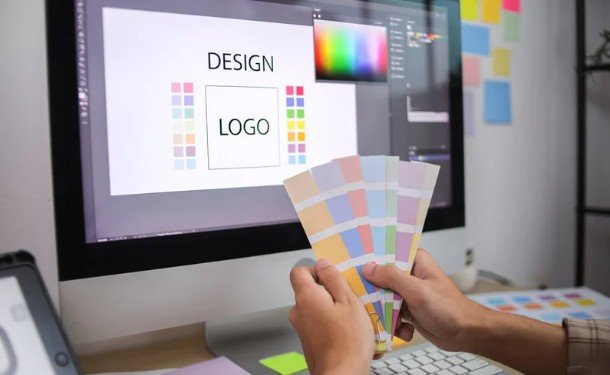
Strong bloggers do not design every image from scratch. They create repeatable templates. A featured image template, Pinterest graphic template, quote card template, and section divider template can save hours while keeping your blog consistent.
Choose two or three main brand colors, one accent color, and two fonts. Use them across your blog headers, social graphics, infographics images, and custom icons. This makes every post feel connected. It also helps your content stand out when people see it across search, Pinterest, newsletters, and social platforms.
Create Blog Headers That Match Search Intent
Your blog header should instantly show what the article is about. If your post teaches a process, use a step-by-step visual. If it explains a problem, show the before-and-after feeling. If it reviews tools, include simple interface-inspired elements. This makes your image more relevant to the reader’s search.
For example, a post about beginner digital art can show a tablet, stylus, color palette, and simple sketch layers. A post about blog planning can show a content calendar, notes, and creative icons. The closer your image matches the reader’s goal, the more useful it feels.
Turn Complex Ideas Into Simple Visuals
One of the best uses of illustration is simplifying hard topics. Instead of writing a long explanation alone, use small visuals to support the idea. You can create process diagrams, comparison graphics, icon sets, flowcharts, checklists, and mini infographics. Many of these also work well as digital art ideas for beginners, helping new artists practice visual storytelling while creating useful designs.
This works especially well for tutorials. If you are explaining layers, show stacked shapes. If you are teaching color contrast, show two sample palettes. If you are writing about content strategy, show a simple funnel or roadmap. Readers remember visual explanations faster than plain text.
Use Layers, Brushes, and Textures Wisely
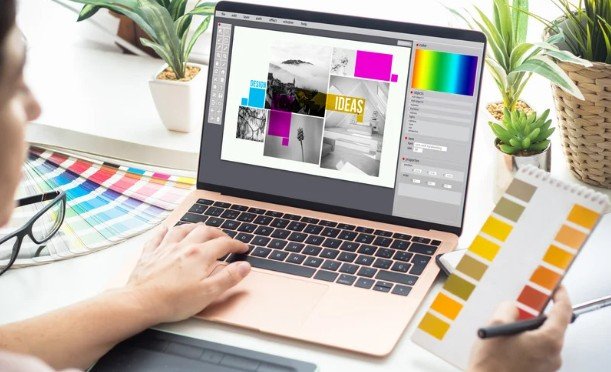
Most digital illustration tools allow you to work in layers. This is helpful because you can separate sketches, colors, shadows, text, backgrounds, and details. Layers make editing easier and prevent small changes from ruining the whole design.
Brushes and textures can add personality, but they should not make the image messy. Use texture lightly for backgrounds, shadows, paper texture effects, or handmade details. Keep the main subject clear. Blog illustrations need to look good at different sizes, especially on mobile screens.
Optimize Illustrations for SEO
Search-friendly images are just as important as attractive images. Rename every file before uploading it. Use clear file names that describe the image. Add helpful alt text, compress images for faster loading, and choose the right format. Large files can slow your page and hurt the reader experience.
Also place images where they support the content. A featured image works at the top, but supporting illustrations should appear near the section they explain. This keeps readers engaged and makes the page easier to scan.
Frequently Asked Questions
1. What are digital illustration tips for bloggers?
Digital illustration tips for bloggers are practical ways to create custom blog visuals that improve readability, branding, SEO, and reader engagement.
2. Which tools are best for beginner blog illustrations?
Canva, Adobe Express, Procreate, Figma, Krita, and Adobe Fresco are useful depending on your skill level, budget, and design goals.
3. Do blog illustrations help with SEO?
Yes, when they improve engagement, support search intent, load quickly, include alt text, and make the content easier to understand.
4. How many illustrations should a blog post have?
Use one strong featured image and add supporting visuals only where they genuinely explain, simplify, or improve the reading experience.
Final Thoughts
I believe blog visuals should work as hard as the words. A beautiful illustration can make a post feel premium, but a smart illustration can also explain, guide, and persuade. You do not need to be a professional artist to begin. You only need a clear style, consistent branding, useful templates, and a reader-first approach.
When I use digital illustration tips for bloggers, I focus on clarity first and beauty second. That simple shift makes every image more useful. Start with one custom header, one icon set, or one mini infographic. Over time, your blog will look more original, more trustworthy, and much harder to ignore.