
I used to think digital art required an expensive studio, advanced software, and professional drawing skills. Then I realized the real starting point was much simpler: one device, one idea, and a willingness to practice. If you want to learn how to create digital art at home, you do not need a perfect setup. You need the right process.
Digital art can include illustrations, portraits, posters, stickers, social media graphics, digital paintings, fan art, character sketches, and abstract designs. The best part is that you can start from your bedroom, desk, kitchen table, or any quiet corner where you feel creative.
What You Need to Start Digital Art at Home
You can begin with a tablet, laptop, desktop, or even a smartphone. A drawing tablet with a stylus gives better control, but it is not required on day one. Many beginners start with free or affordable apps before moving to advanced tools.
Popular beginner-friendly options include Procreate, Adobe Fresco, Photoshop, Illustrator, Clip Studio Paint, Krita, GIMP, and ibisPaint. Choose one app and learn it well instead of jumping between too many tools.
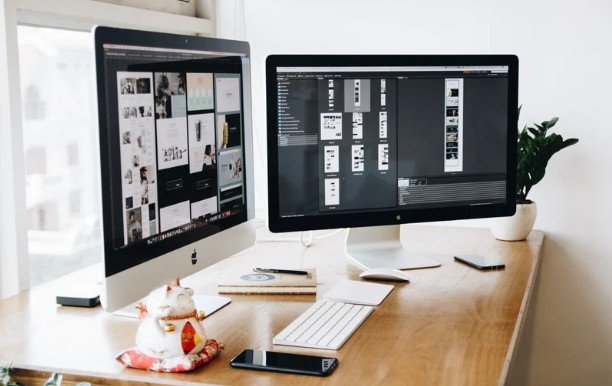
Your basic setup should include a device, drawing app, stylus if available, comfortable seating, good lighting, and a folder system to save your work. A clean workspace helps you focus and makes digital drawing feel less overwhelming.
Choose the Right Digital Art App
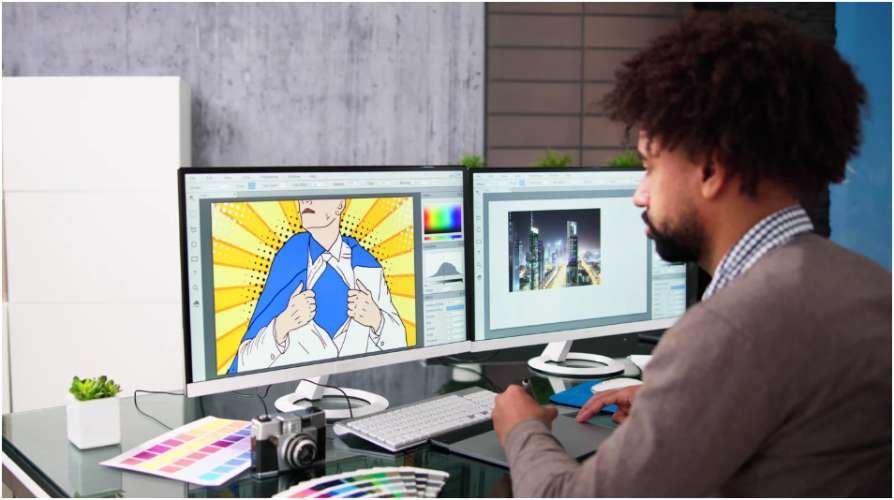
The best app depends on what you want to create. Procreate is popular for tablet drawing. Adobe Fresco is useful for sketching and painting. Photoshop works well for detailed editing and professional art. Illustrator is better for clean vector graphics and logo-style artwork.
Clip Studio Paint is strong for comics, characters, and line art. Krita and GIMP are good budget-friendly choices for beginners who want free software. Start with simple brushes, layers, erasers, color tools, and export settings before exploring advanced features.
How to Create Your First Digital Artwork
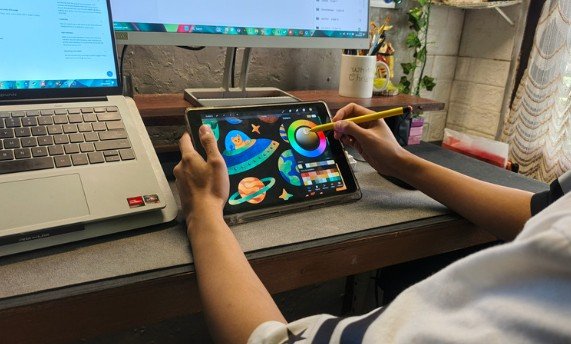
Before opening your app, choose a simple idea. Do not start with a complex portrait or highly detailed scene. Try a flower, coffee cup, cartoon face, room corner, pet outline, or abstract shape design.
Set Up Your Canvas
Create a new canvas with enough resolution for clear quality. A square canvas works well for social posts, while a landscape canvas works better for wallpapers or blog graphics. Keep the size manageable so your device does not slow down.
Make a Rough Sketch
Start with light lines. Your first sketch does not need to be perfect. Focus on basic shapes, balance, and placement. Use circles, rectangles, triangles, and simple curves to build your design. These digital illustration tips for beginners can help you create a cleaner foundation before adding details.
Use Layers Properly
Layers are one of the biggest advantages of digital art. Keep your sketch, line art, colors, shadows, highlights, and background on separate layers. This lets you fix mistakes without ruining the whole artwork.
Add Color and Shading
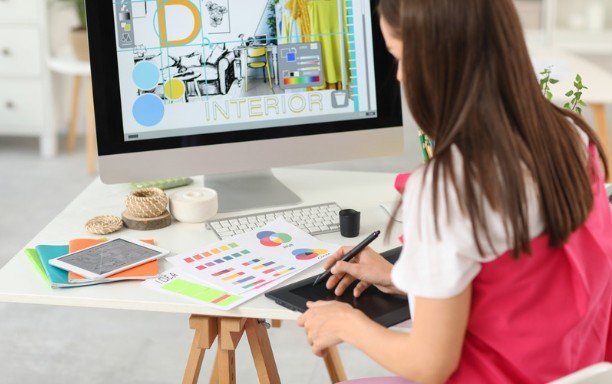
Choose a small color palette first. Too many colors can make beginner artwork look messy. Add base colors, then use darker shades for shadows and lighter tones for highlights. Simple shading can make flat drawings look more polished.
Add Texture and Details
Brush texture can make your artwork feel more handmade. Try grain, watercolor, pencil, ink, or soft airbrush textures. Add small details slowly, but avoid overworking the image.
Save and Export
Save your editable file first so you can return to the layers later. Then export a copy as PNG or JPEG. PNG is better for crisp graphics, while JPEG files works well for general sharing.
Beginner Digital Art Tips That Help Fast
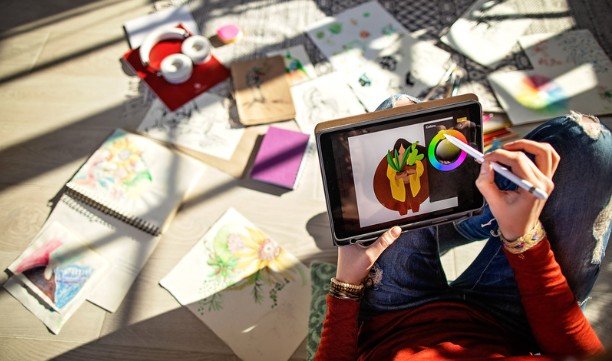
If you are learning how to create digital art at home, practice small projects instead of trying to finish a masterpiece every time. Create simple icons, color studies, character faces, quote backgrounds, and mini illustrations.
Use reference images to understand shape, light, and proportion, but do not copy another artist’s work directly. Study how colors work together, how shadows fall, and how strong outlines improve clarity.
Learn keyboard shortcuts or gesture controls in your app. Shortcuts save time and make the creative process smoother. Also, take screen breaks. Digital drawing can strain your eyes, hands, and posture if you work too long without rest.
Easy Digital Art Ideas for Beginners
Try drawing a self-portrait in a simple cartoon style. Create a digital sticker pack with stars, flowers, hearts, or food items. Make a cozy room illustration using basic shapes. Design a phone wallpaper with abstract colors. Create a simple pet portrait from a photo.
You can also make blog graphics, Pinterest pins, YouTube thumbnails, or social media illustrations. These projects help you practice while creating something useful.
Frequently Asked Questions
1. Can I learn how to create digital art at home without a tablet?
Yes, you can start with a phone, laptop, or desktop using beginner-friendly software, then upgrade to a tablet when you want better drawing control.
2. What is the easiest app for beginner digital artists?
Procreate, Adobe Fresco, ibisPaint, Krita, and Clip Studio Paint are beginner-friendly depending on your device and budget.
3. Do I need drawing skills to start digital art?
Basic drawing skills help, but you can start with shapes, tracing practice, references, and simple designs while improving over time.
4. How long does it take to get good at digital art?
You can make noticeable progress in a few weeks with regular practice, but strong skills usually develop through months of consistent learning.
Final Thoughts
When I started digital art, I thought the tools mattered most. Now I believe the habit matters more. A simple sketch every day can teach you more than waiting for the perfect device or app.
If you want to learn how to create digital art at home, begin with one small idea, use layers, practice basic colors, and finish simple projects. Your first artwork does not need to be perfect. It only needs to get you started.