
Creating a blog today means more than writing helpful posts. Readers notice the header, featured image, Pinterest pin, and social preview before they commit to reading. That is why easy online design tools for bloggers matter so much, especially for US creators who need polished visuals without hiring a designer.
I like tools that remove the fear from design. Instead of opening complicated software and guessing where to start, bloggers can now use drag-and-drop editors, professional templates, brand kits, AI features, and stock photo libraries to create strong visuals in minutes.
What Are the Best Design Tools for Bloggers?
The best design tools for bloggers are platforms that help you create blog headers, featured images, social media graphics, Pinterest pins, infographics, collages, and simple photo edits without professional experience.
Canva and Adobe Express are the easiest starting points because both offer templates for different content types. Canva has free customizable blog templates and blog graphics templates, while Adobe Express offers templates and quick design tools for creators of all skill levels.
Snappa is built for fast blog and social graphics, and Picmaker offers AI-enabled DIY graphic design and social media creation features. BeFunky and Pixlr work better when your main need is quick photo editing or collage creation.
These tools can also support social network analysis by helping bloggers turn audience insights, engagement patterns, and platform trends into clear visual content.
Why Bloggers Need Simple Graphic Design Tools
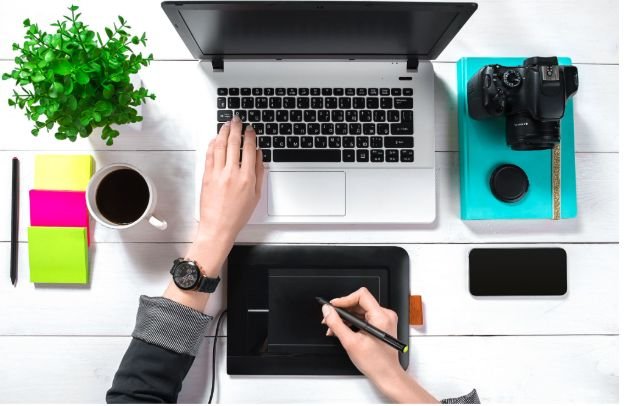
A blog post can be useful and still get ignored if the visuals look weak. In a crowded US search market, a clean featured image can make your post feel more credible. A strong Pinterest graphic can drive traffic long after publishing. A branded social image can make your content easier to recognize.
I do not believe every blogger needs advanced design training. What bloggers need is a repeatable visual workflow. The right tool helps you create consistent colors, readable fonts, clear layouts, and web-friendly images without wasting hours.
Canva for All-in-One Blog Branding
Canva is one of the most popular browser-based design tools because it works well for complete visual branding. Bloggers can create blog feature images, Pinterest pins, infographics, email headers, logos, lead magnets, and social posts from one dashboard.
Its biggest strength is simplicity. You can start with a pre-sized template, change the text, adjust colors, add stock photos, and export a finished graphic quickly. For beginner bloggers, Canva has a very low learning curve and enough free templates to start building a professional look.
Adobe Express for Fast AI-Guided Designs
Adobe Express is a strong choice for bloggers who want quick layouts, brand consistency, and AI-supported editing. It helps creators make social posts, images, videos, logos, and marketing visuals without learning traditional Adobe software.
I especially like Adobe Express for bloggers who create multiple versions of the same graphic. You can use templates, resize designs, remove backgrounds, and keep fonts and colors more consistent across assets. It feels professional without becoming overwhelming.
When paired with Digital Illustration Tips for Bloggers, these features make it easier to create visually appealing content that reflects a consistent brand identity. Using simple design principles such as balanced layouts, readable typography, cohesive color palettes, and high-quality illustrations can help blog graphics stand out while maintaining a polished, professional look across every post and social media platform.
Snappa for Social Media and Pinterest Graphics
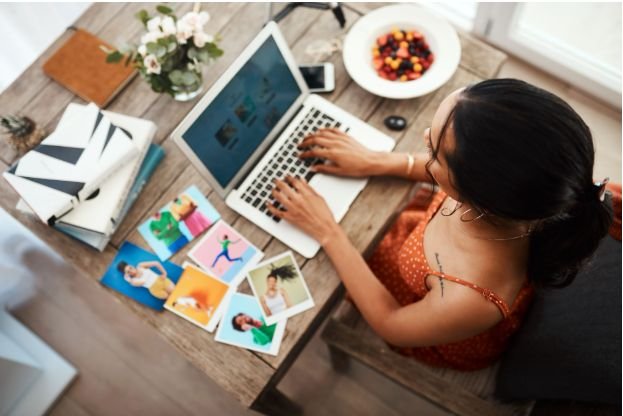
Snappa is useful when speed matters. Bloggers who need fast Pinterest pins, Facebook graphics, X posts, LinkedIn images, or blog post graphics can use its pre-made dimensions and templates to create visuals quickly.
Unlike more complex editors, Snappa keeps the workflow simple. That makes it a good fit for bloggers who publish often and do not want to spend too much time adjusting layers, sizing images, or rebuilding layouts from scratch.
Picmaker for Blog Banners and Social Content
Picmaker is a practical option for bloggers who want eye-catching blog banners, custom buttons, sticker-style overlays, and social media graphics. It positions itself as an AI-enabled DIY design and social media management platform, which makes it useful for creators who want design and publishing support in one place.
For bloggers who care about bold visuals, Picmaker can help create more playful graphics while still staying branded. It is especially helpful for lifestyle, entertainment, creator, and social-first blogs.
BeFunky for Photo Editing and Collages
BeFunky is a good choice when your blog needs quick photo enhancement, collages, and text overlays. Lifestyle bloggers, food bloggers, DIY bloggers, and product bloggers can use it to improve images before adding them to posts.
Its biggest advantage is ease. You can adjust photos, create simple layouts, and make collages without feeling like you are using heavy editing software.
Pixlr for Photoshop-Style Editing Online

Pixlr is better for bloggers who need more control over photos. It works like a simplified online photo editor and can help with cutouts, retouching, cropping, resizing, and image cleanup.
If you publish product reviews, tutorials, travel posts, or photography-heavy content, Pixlr can help make your images cleaner before they go into your blog design tool.
How to Choose the Right Tool for Your Blog
Choosing between these tools depends on your content style. If you want one platform for almost everything, Canva is the easiest choice. If you want polished AI-supported designs, Adobe Express is a strong option. If you mainly create quick social graphics, Snappa works well. If you want bold blog banners and social content, Picmaker is worth testing. If your visuals start with photos, BeFunky or Pixlr may fit better.
I recommend choosing one main platform and one backup photo editor. This keeps your workflow simple and helps your blog visuals stay consistent.
How to Make Blog Graphics Look More Professional
The secret is not adding more design elements. The secret is removing clutter. Use clear fonts, strong contrast, enough white space, and brand colors that match your website. Keep your headline readable on mobile because many US readers will discover your post from Google, Pinterest, or social media on a phone.
Before uploading, resize and compress images so your pages load faster. Add descriptive file names and alt text because image SEO (Search engine optimization) can help search engines understand your visuals. These small steps make easy online design tools for bloggers more valuable because the final image supports both design and performance.
FAQs About Easy Online Design Tools for Bloggers
1. What is the easiest online design tool for beginner bloggers?
Canva is usually the easiest option because it has drag-and-drop editing, blog templates, free graphics, and pre-sized layouts for common blogging needs.
2. Which design tool is best for Pinterest pins?
Canva and Snappa are both strong for Pinterest pins because they offer ready-made dimensions, templates, and quick resizing for social media graphics.
3. Can I create blog graphics without design experience?
Yes, you can create blog graphics without design experience by using templates, brand kits, stock images, and simple editors like Canva, Adobe Express, Snappa, or Picmaker.
4. Do blog images help with SEO?
Blog images can support SEO when they improve engagement, load quickly, include descriptive alt text, and make the content easier for readers to understand.
Final Thoughts
I believe the best design tool is the one you can use consistently. A blogger does not need to master professional editing software to create strong visuals. You only need a simple system, clean templates, and a tool that fits your publishing routine.
For most creators, easy online design tools for bloggers make content look more trustworthy, more clickable, and easier to share. Start with one platform, build a few reusable templates, and let your visuals grow with your blog.