
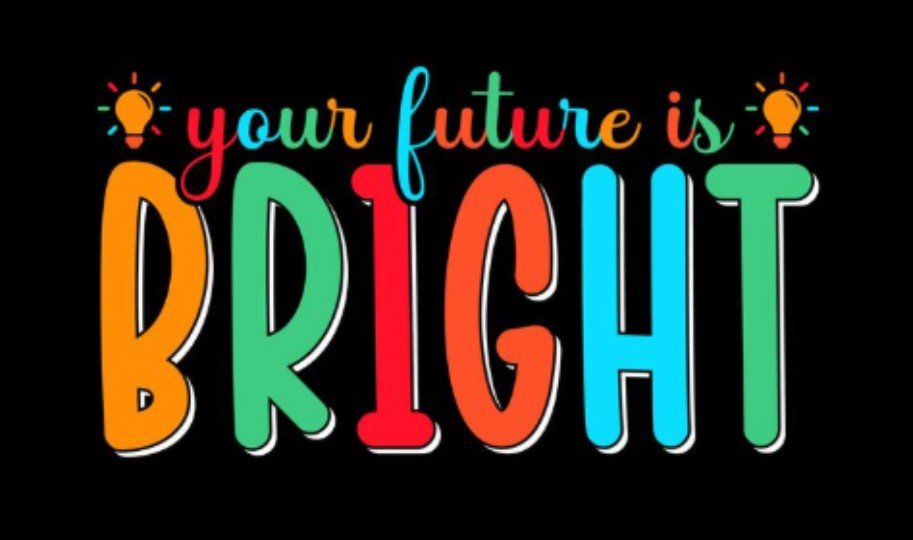
I used to think lettering art was only for people with perfect handwriting. Then I learned that digital tools make the process much easier, cleaner, and more forgiving. With layers, brushes, grids, and undo buttons, anyone can turn simple words into beautiful art. If you want fresh digital lettering art ideas, start with styles that are easy to practice but still look impressive.
What Is Digital Lettering Art?
Digital lettering art is the process of drawing letters by hand using digital tools. It is different from typing with a font because every letter is shaped, styled, and arranged intentionally. You can create quote art, greeting cards, stickers, posters, social media graphics, journal covers, logos, and printable wall art.
The best part is flexibility. You can sketch rough letters, adjust spacing, test colors, add shadows, and fix mistakes without starting over. That makes it perfect for beginners and creative bloggers who want polished visuals without needing advanced design skills.
Best Tools For Digital Lettering
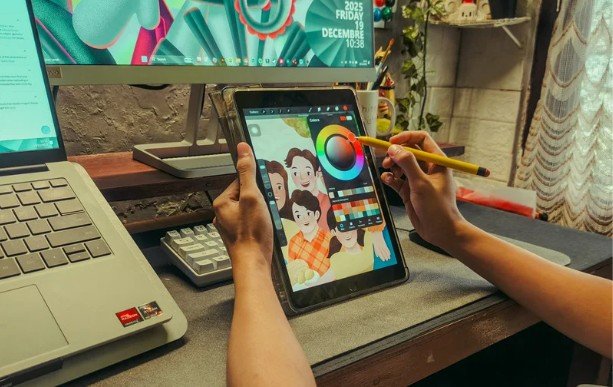
You do not need a complicated setup to begin. A tablet, stylus, and beginner-friendly app are enough. Procreate is popular because it has smooth brushes, layers, guides, and easy export options. Adobe Fresco is also useful for natural brush effects, while apps like Linearity help when you want cleaner vector-style lettering.
Brushes matter too. A monoline brush is great for clean quotes, while a pressure-sensitive brush works well for calligraphy-style strokes, including Chinese calligraphy. Texture brushes can make letters feel handmade, vintage, or artistic.
Easy Digital Lettering Art Ideas For Beginners
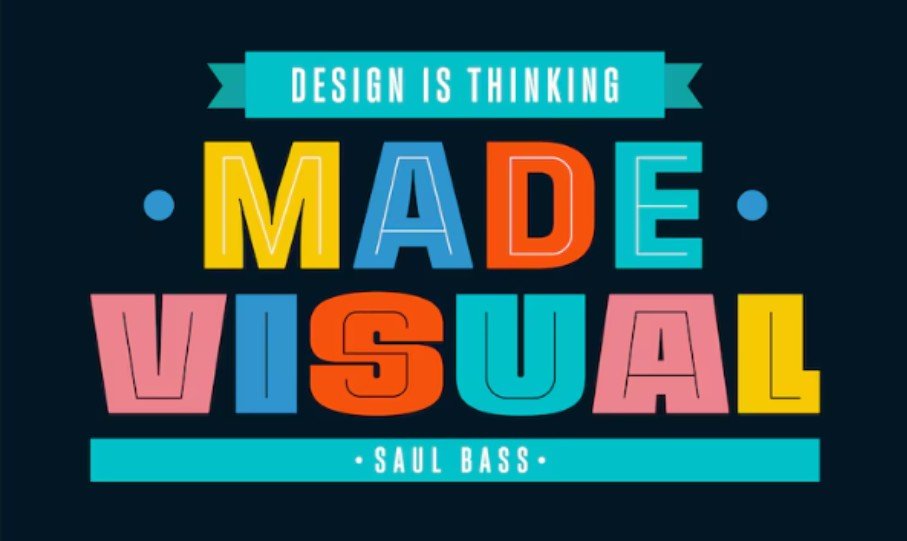
Exploring digital portrait art ideas can inspire creative color palettes, expressive compositions, and decorative details that make lettering designs feel more artistic.
Quote Lettering
Quote lettering is one of the easiest places to start. Choose a short phrase, sketch the main words larger, and keep the smaller words simple. This works well for printable art, blog images, phone wallpapers, and Instagram posts.
Floral Lettering
Floral lettering makes simple words look soft and decorative. Draw leaves, vines, tiny flowers, or petals around the letters. You can also let flowers wrap around one large word for a romantic look.
3D Lettering
3D lettering adds depth and drama. Start with bold letters, duplicate the shape behind them, and connect the edges. Add a shadow to make the design feel more realistic. This style is great for posters and bold social graphics.
Neon Lettering
Neon lettering looks modern and eye-catching. Use dark backgrounds, glowing strokes, and bright outlines. This idea works especially well for music graphics, digital posters, gaming visuals, and night-themed designs.
Vintage Lettering
Vintage lettering uses curves, banners, shadows, and warm color palettes. It works well for café-style signs, retro posters, badge designs, and handmade branding graphics.
Minimal Monoline Lettering
Monoline lettering uses one consistent stroke width. It is clean, simple, and beginner-friendly. Use it for affirmations, planner covers, minimalist wall art, and clean brand graphics.
Sticker-Style Lettering
Sticker lettering looks playful and shareable. Add thick outlines, small sparkles, stars, hearts, or doodles around the word. This is one of the most useful digital lettering art ideas for creators who design digital stickers or Pinterest graphics.
How To Make Digital Lettering Look Better
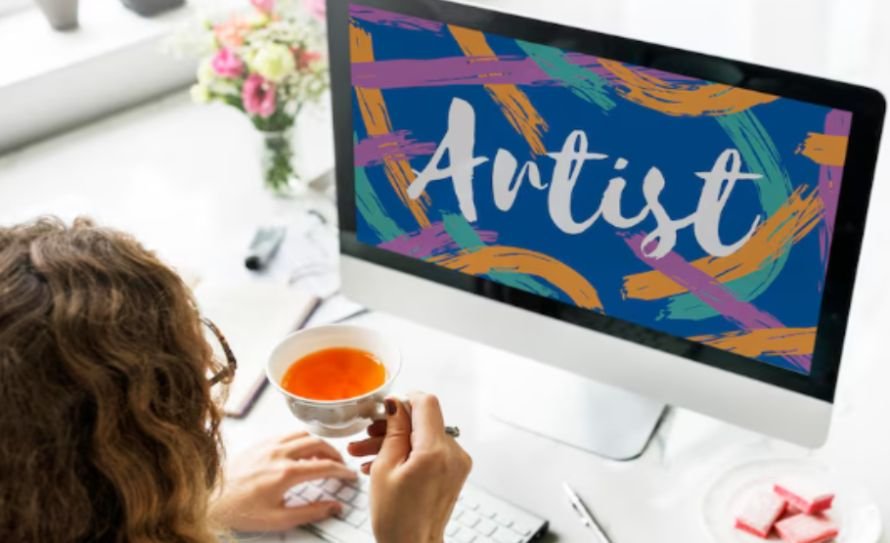
Start with a rough sketch before adding details. Good lettering usually depends on layout first, not decoration. Decide which word should stand out, then build the design around it.
Spacing is also important. Letters should feel balanced, not squeezed together or floating too far apart. Use grids or drawing guides when needed. They help keep your baseline, curves, and composition cleaner.
Color can change the whole mood. Soft pastels feel calm, bold gradients feel energetic, and black-and-white lettering feels timeless. You can also study current graphic design trends for color, type, and layout inspiration. Try limiting your palette to two or three colors so the design stays focused.
Frequently Asked Questions
1. What are the best digital lettering art ideas for beginners?
The best beginner ideas include quote lettering, monoline lettering, sticker-style words, floral lettering, and simple shadow lettering because they are easy to practice.
2. Do I need good handwriting for digital lettering?
No. Digital lettering is more about drawing letters than writing naturally. Sketching, layers, and editing tools help you improve each shape.
3. Which app is best for digital lettering?
Procreate is a strong choice for beginners using an iPad, while Adobe Fresco and vector design apps are useful for different styles.
4. How can I practice lettering every day?
Choose one short word daily, test a new brush, try one layout style, and save your progress so you can compare improvement over time.
Final Thoughts
When I first started experimenting with lettering, I cared too much about making every stroke perfect. Now I see lettering as a creative practice, not a test. The more you sketch, adjust, and explore, the more natural your style becomes.
The best digital lettering art ideas are the ones that make you want to keep creating. Start simple, use clean layouts, try different brushes, and build from there. With practice, even one word can become a beautiful piece of digital art.